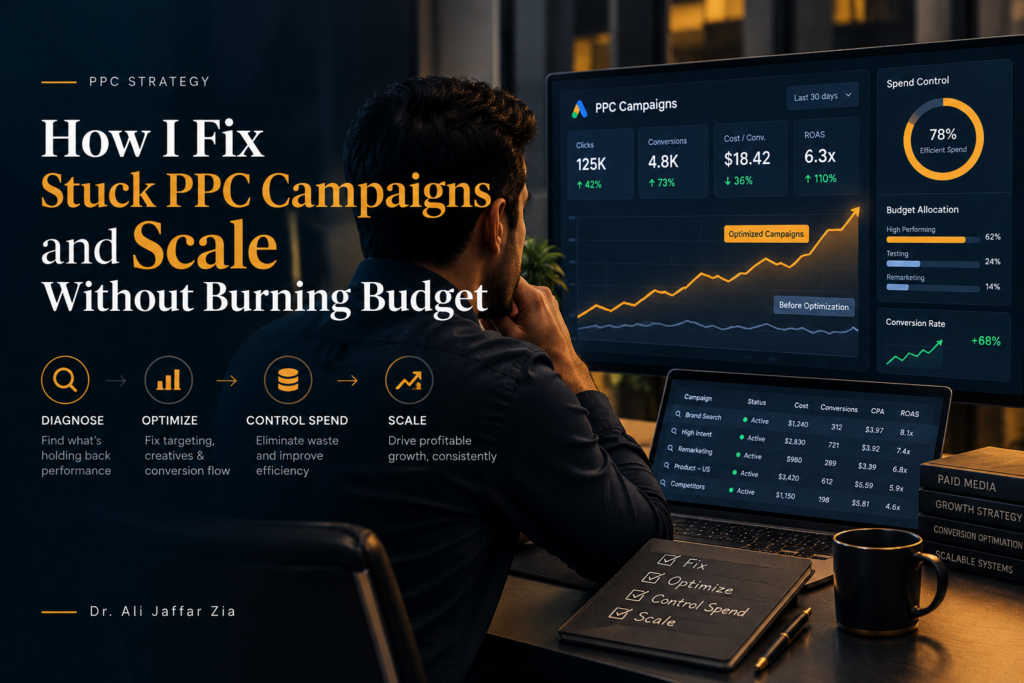
Quick Summary: What This Blog Covers
This blog explains how canonical tag mistakes can quietly hurt SEO and how to identify and fix them. It also covers a practical negative keyword strategy for reducing wasted PPC spend, improving targeting, and strengthening campaign performance over time.
Introduction
Some of the most damaging mistakes in search marketing are not dramatic. They do not crash your website or wipe out your ad account overnight. They just sit there, quietly bleeding performance, month after month, while everything on the surface looks fine enough that nobody investigates.
Canonical tag misuse is one of those mistakes. Negative keyword mismanagement is another. I have fixed both in enough client accounts to know that when you find and resolve them, the improvement feels disproportionately large relative to how simple the underlying fix actually was.
This blog covers both topics in depth. The first half is about canonical tags — what they are, how they get misused, what that misuse actually costs you, and how I fix it. The second half is about negative keywords — not just what they are, but the exact methodology I use to build and maintain them in a way that genuinely tightens campaign performance over time.
Part One: Canonical Tag Misuse — Impact and Resolution
What a Canonical Tag Actually Does
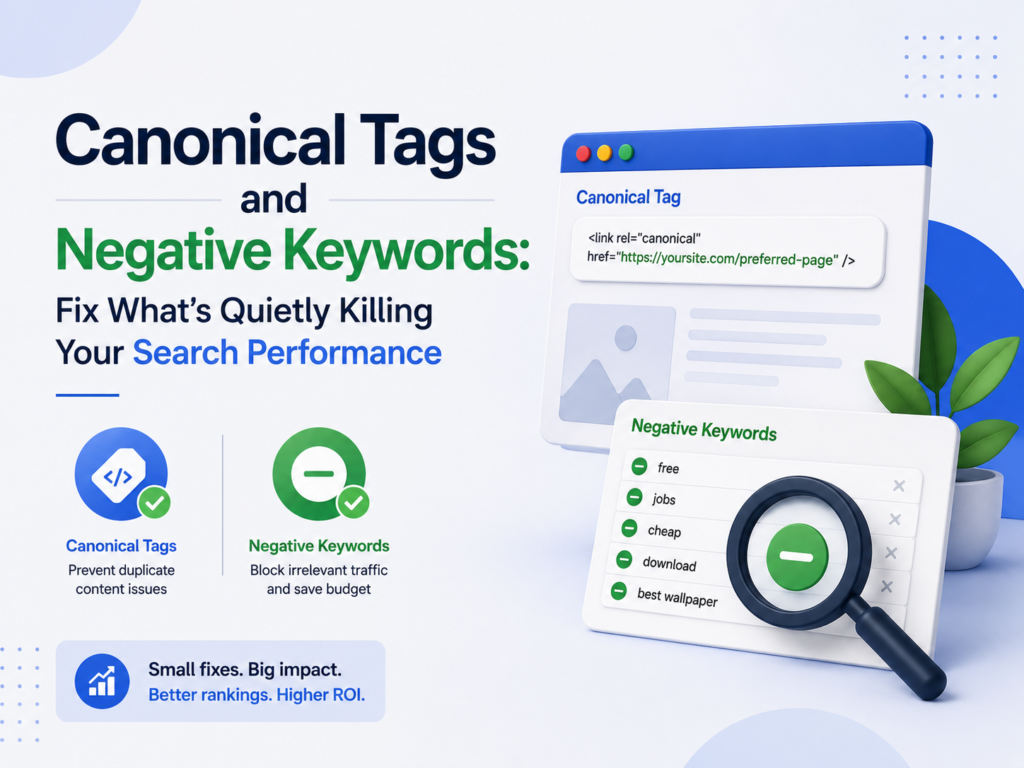
A canonical tag is a small piece of HTML that lives in the head section of a webpage. It looks like this: <link rel="canonical" href="https://www.yoursite.com/your-page/" />. What it does is simple — it tells Google which version of a page you consider the definitive one.
The reason this matters is that Google frequently encounters multiple URLs that display the same or very similar content. An ecommerce product page might be accessible at a clean URL, through a URL with filter parameters, through a pagination variant, and through a session ID-appended version all at once. Without clear signals, Google has to guess which one to index and rank. That guessing rarely goes in your favor.
The canonical tag is your way of removing that guesswork. You point Google to the version that matters and it treats the others as duplicates to be consolidated rather than competing pages to be evaluated independently.
“Duplicate content affects approximately 29% of the web, and canonical tags are Google’s preferred resolution method.” — SEMrush Global SEO Study
When canonical tags work correctly, they are almost invisible — they just quietly keep your site clean. When they are misused, the damage builds slowly and shows up as ranking confusion, diluted page authority, and indexing problems that are genuinely difficult to diagnose without knowing where to look.
The Ways Canonical Tags Get Misused
I want to walk through the specific misuse patterns I find most frequently in real audits. Understanding these clearly is the first step toward catching them in your own site.
The first and most damaging pattern is the self-referential canonical pointing to the wrong URL. This happens when a page’s canonical tag points to a different page entirely, either because someone copied a template incorrectly, a CMS plugin auto-generated the wrong URL, or a developer made an error during a site migration. The page exists and loads fine in a browser. But Google reads the canonical, sees it pointing somewhere else, and starts treating this page as a non-authoritative duplicate of a page it never intended to defer to. Rankings quietly disappear, and nobody connects the cause to the effect because the page still looks perfectly normal when you visit it.
The second pattern is canonicalizing paginated pages incorrectly. Some site owners point every paginated version of a category or blog archive — page two, page three, page four — back to page one using canonical tags. The logic sounds reasonable: consolidate authority to the main page. But in practice this tells Google that pages two through ten are duplicates of page one, which means Google stops crawling them. Products and blog posts linked only from those paginated pages become invisible to Google’s crawler. I have seen ecommerce sites lose indexation on hundreds of product pages because of this single mistake.
The third pattern is using canonical tags in combination with noindex tags on the same page. These two directives contradict each other. A noindex tag tells Google not to index this page. A canonical tag on the same page tells Google this is the preferred version to index. Google has to choose one signal to follow, and its choice is not always predictable. The result is inconsistent indexation behavior that is very hard to debug because the symptom pages dropping in and out of the index looks like a crawl budget or server issue rather than a tag conflict.
The fourth pattern involves hreflang and canonical tags working against each other on multilingual sites. When you run a site in multiple languages, each language version should canonicalize to itself — the English page points to the English page as canonical, the Spanish page points to the Spanish page. When someone incorrectly points all language variants to the English version using canonical tags, Google interprets all the non-English pages as duplicates and stops ranking them in their respective regional searches. The international SEO strategy collapses entirely.
The fifth pattern is soft 404 pages carrying a canonical tag to themselves. When a page returns a 200 status code but displays a “no results found” or “product unavailable” message, Google sometimes treats it as a soft 404. If that page also carries a canonical pointing to itself, you are effectively asking Google to consolidate authority to a page that communicates nothing useful. This is a particular problem on ecommerce sites with dynamic out-of-stock product pages.
What Canonical Tag Misuse Actually Costs You
I want to be direct about the real-world impact because I think it gets underestimated.
When canonical tags consolidate authority incorrectly, the pages you actually want to rank lose the link equity and relevance signals they should be receiving. Over time, competitors whose sites do not have these issues accumulate authority on the keywords you care about while your pages stagnate or decline. The ranking loss is gradual enough that most site owners attribute it to algorithm updates or increased competition rather than a technical error they introduced themselves.
Crawl budget also gets affected on larger sites. When Google’s crawler follows canonical tags and discovers that large sections of the site point authority in the wrong direction, it adjusts its crawling behavior accordingly. Pages that should get crawled frequently get visited less often. New content takes longer to get indexed. On fast-moving ecommerce or news sites, this delay has direct revenue implications.
“Sites with canonical tag errors experience an average of 18% lower organic click-through rate on affected pages compared to correctly canonicalized equivalents.” — Ahrefs Technical SEO Study
How I Find and Fix Canonical Tag Issues
My first tool for diagnosing canonical problems is Screaming Frog. I crawl the entire site and export the canonical URL for every page. Then I compare the canonical against the actual page URL for each row. Any mismatch gets flagged immediately for investigation.
I also check Google Search Console under the Indexing report. Google tells you directly which pages it has excluded from the index and why. Pages excluded because Google chose a different canonical than the one you specified are a red flag — it means Google disagrees with your canonical decision, which usually indicates a deeper duplicate content issue that the canonical alone cannot solve.
For multilingual sites, I use Ahrefs to audit hreflang implementation alongside canonical tags. Both need to be consistent for international SEO to work correctly. When they contradict each other, the international traffic loss can be substantial.
The fix process follows a clear order. First I identify every canonical error on the site. Then I categorize them by type — wrong destination, contradictory tags, paginated misuse, or hreflang conflicts. Then I fix them systematically, starting with the pages that carry the most backlink authority and organic traffic potential because those are the ones where fixing the canonical will produce the fastest visible impact.
After implementing fixes, I use the URL Inspection tool inside Google Search Console to request recrawling of the corrected pages. I monitor the Coverage report over the following four to six weeks to confirm that previously excluded pages start getting indexed correctly.
One important thing I always tell clients: canonical tag fixes take time to show results. Google needs to recrawl and reprocess the affected pages, which can take anywhere from a few days to several weeks depending on your crawl frequency. Patience is required, but the improvement is real when it arrives.
Part Two: The Exact Way I Use Negative Keywords
Why Negative Keywords Deserve More Attention Than They Usually Get
Negative keywords are the part of PPC campaign management that most advertisers treat as a setup task rather than an ongoing practice. They add a basic list at the beginning of a campaign, forget about it, and move on. And then they wonder why their campaigns keep attracting irrelevant traffic that burns budget without converting.
I treat negative keywords as a living system. I build them carefully at the start, I expand them every month based on real search term data, and I structure them in a way that scales cleanly across multiple campaigns without becoming a maintenance nightmare. That approach makes a measurable difference in campaign efficiency over time.
“Properly maintained negative keyword lists reduce wasted ad spend by an average of 20 to 30 percent in search campaigns.” — WordStream PPC Research
Let me walk you through exactly how I do it.
Understanding Match Types for Negative Keywords
Most people know that negative keywords prevent ads from showing for unwanted searches. Fewer people understand that negative keywords have match types too, and using the wrong match type is one of the most common reasons negative keyword lists fail to do their job.
Negative broad match means your ad will not show when a search query contains all the words in your negative keyword, in any order. If your negative broad keyword is “free consulting,” your ad will not show for “free business consulting” or “consulting free of charge.” This is the most aggressive exclusion and the one I use most carefully because it can accidentally block relevant traffic.
Negative phrase match means your ad will not show when the search query contains your negative keyword phrase in the exact order you specified. If your negative phrase keyword is “free consulting,” your ad will not show for “free consulting services,” but it will still show for “consulting free resources.” This is my most frequently used negative match type because it gives precise control without over-blocking.
Negative exact match means your ad will not show only when the search query matches your keyword exactly with no other words. This is the most surgical exclusion and I use it for very specific queries I want to block completely without affecting any related searches.
Understanding these distinctions matters because a negative keyword added with the wrong match type can either fail to block the irrelevant traffic you wanted to exclude or accidentally block relevant traffic you absolutely want to capture. Both outcomes cost money.
How I Build the Initial Negative Keyword List
Before any campaign goes live, I build a starter negative keyword list through research — not by waiting for bad data to accumulate in a live campaign.
I start by thinking about the intent mismatches most likely to occur for the target keywords. If I run campaigns for a premium law firm, I immediately add terms like “free,” “cheap,” “DIY,” “template,” “salary,” “jobs,” “internship,” and “how to become.” These signal the wrong kind of searcher before I spend a single dollar of the client’s budget finding that out through live data.
I use Google Keyword Planner and Semrush to surface related keyword variations and identify which ones carry clearly mismatched intent. I also look at competitor campaigns using Semrush’s Advertising Research tool to understand what negative keywords experienced competitors in the space have likely already identified — the patterns are often visible in the search terms that do and do not trigger their ads.
I then organize these initial negatives into themed lists rather than dumping everything into one flat list. I typically create a brand protection list, an intent mismatch list, a competitor name list, and a job and career terms list as starting points. These themed lists can be applied selectively across different campaigns rather than forcing every negative keyword onto every campaign indiscriminately.
My Monthly Search Term Review Process
This is where most of the real ongoing value comes from. Once a campaign has been running for a few weeks, Google Ads shows you the actual search queries that triggered your ads through the Search Terms report. This report is one of the most valuable and most underused tools in the entire platform.
Every month I download the full Search Terms report for every active search campaign. I filter for queries that generated clicks but zero conversions over a meaningful time period, at least two to three times the target CPA in spend. I go through each one and make a judgment call.
The first question I ask is whether this query represents someone who could plausibly become a customer. Sometimes a query looks odd but actually converts if you give it time. Other times a query is clearly irrelevant regardless of how long you wait. For the clearly irrelevant ones, I add them as negative keywords immediately.
The second question is whether the query reveals a keyword gap — something people are searching for that I should be targeting intentionally rather than accidentally. When I find a query that is relevant and converts but was never in my keyword list, I add it as a positive keyword with an appropriate bid and create a dedicated ad for it. This is how campaigns grow intelligently over time.
The third question is whether the query reveals something about audience misalignment in the broader targeting. When I see clusters of irrelevant queries coming from the same campaign, it usually means the match type on a broad keyword is too loose or the ad copy is attracting the wrong intent. The fix is not just adding more negatives; it is tightening the upstream targeting.
How I Structure Negative Keywords Across a Campaign
Structure matters as much as the keywords themselves. I maintain negative keywords at three levels and each level serves a different purpose.
At the account level, I maintain a master exclusion list — terms I never want to trigger any ad in the account under any circumstances. This includes competitor names I want to exclude, job and career terms, adult content terms, and other clearly irrelevant categories. Any negative keyword that applies universally goes here.
At the campaign level, I maintain negatives that are specific to that campaign’s objective and audience but do not necessarily apply across all campaigns. A retargeting campaign might exclude people searching for very early-stage informational terms because those users are not ready to convert yet — but a separate awareness campaign might want to show to exactly those people.
At the ad group level, I use negatives to prevent keyword cannibalization between ad groups within the same campaign. If I have one ad group for “SEO services” and another for “PPC services,” I add “PPC” as a negative to the SEO ad group and “SEO” as a negative to the PPC ad group. This ensures each query triggers the most relevant ad group rather than whichever one happens to win the internal auction.
Using Negative Keyword Lists for Scale
When you manage multiple campaigns or multiple client accounts, maintaining individual negative keyword lists for every campaign becomes unsustainable. Google Ads solves this through shared negative keyword lists — you build a list once and apply it to multiple campaigns simultaneously. When you update the list, the update applies everywhere it is shared instantly.
I build shared lists around themes — informational intent exclusions, job seeker exclusions, low-price intent exclusions, competitor exclusions. I apply each list only to the campaigns where that exclusion makes sense. A brand awareness campaign, for example, should not use the same negative list as a conversion-focused campaign because what counts as irrelevant traffic differs significantly between the two objectives.
I also create a separate “testing exclusions” list for negatives I am not fully confident about — terms that might be irrelevant or might just be low-volume relevant terms. I apply this list to high-spend campaigns and review it quarterly to confirm I am not accidentally blocking valuable traffic.
The Canonical and Negative Keyword Connection
These two topics sit in different parts of search marketing; one is technical SEO, the other is paid search management. But they share the same underlying principle and that is worth naming directly.
Both canonical tags and negative keywords are about giving search engines and ad platforms clear, accurate signals. Canonical tags tell Google which page to trust. Negative keywords tell Google which searches to ignore. When either system has errors, the platform makes decisions you did not intend: indexing the wrong pages, serving ads to the wrong people, wasting your budget and your authority in ways that compound quietly over time.
Cleaning up canonical tags and maintaining negative keywords both require regular attention, not just a one-time setup. The sites and campaigns that perform best over the long run are almost always the ones where someone is paying close attention to these details on an ongoing basis. The improvement is not always dramatic in any single month. But it accumulates, and after six or twelve months of consistent maintenance, the gap between a well-managed account and a neglected one becomes very significant.
Final Thoughts from Ali Jaffar Zia
I keep coming back to the same observation no matter how many accounts I work on. The biggest performance gains rarely come from discovering some new tactic or cracking some algorithm secret. They come from finding and fixing the quiet errors that have been sitting in the background, invisibly undermining everything else you are doing.
Canonical tag misuse and negative keyword neglect are exactly that kind of error. They are not exciting problems to solve. But fixing them produces results that feel exciting because you are suddenly getting more from the same content, the same budget, and the same effort you were already putting in.
Audit your canonical tags. Review your search term reports. Build your negative keyword lists with intention and keep them updated. These are not advanced tactics. They are disciplined habits. And in search marketing, disciplined habits beat creative shortcuts every time.
FAQs
1. What is the easiest way to check for canonical tag errors on my site? I use Screaming Frog to crawl the site and export canonical URLs for every page, then compare them against the actual page URLs. Any mismatch gets investigated. I also check Google Search Console under the Indexing report for pages Google has excluded because it chose a different canonical than the one specified.
2. Can a canonical tag hurt my SEO if used incorrectly? Absolutely. A canonical tag pointing to the wrong page tells Google to consolidate your page’s authority toward a URL you never intended to prioritize. Over time this dilutes the rankings of your important pages and can cause them to drop for keywords they previously ranked for without any obvious external cause.
3. How long does it take to see improvements after fixing canonical tag errors? It depends on how frequently Google crawls your site. For sites that get crawled often, you can start seeing indexing corrections within one to two weeks. For smaller sites with lower crawl frequency, the process can take four to six weeks. I use the URL Inspection tool in Google Search Console to request recrawling of corrected pages and speed up the process.
4. Should I use canonical tags on every page of my website? Yes. Every indexable page should carry a self-referential canonical tag pointing to its own clean URL. This protects against duplicate content issues created by URL parameters, tracking codes, and session IDs that append to URLs without creating genuinely different content.
5. What is the difference between negative broad match and negative phrase match? Negative broad match blocks your ad when all the words in your negative keyword appear in the search query in any order. Negative phrase match blocks your ad only when the words appear in the exact order you specified. I use negative phrase match most frequently because it gives precise control without the risk of accidentally blocking legitimate related traffic.
6. How many negative keywords should a campaign have? There is no ideal number — it depends entirely on the campaign’s targeting breadth and the industry. A campaign targeting very specific exact match keywords needs fewer negatives than a broad match campaign covering a wide topic. What matters is that your negative keyword list grows consistently over time based on real search term data rather than staying static after initial setup.
7. Can negative keywords accidentally block relevant traffic? Yes, and this is a real risk when negative keywords are added hastily or with the wrong match type. I always add new negatives at the phrase or exact match level first rather than broad match, and I review the search terms report after adding new negatives to confirm I have not inadvertently blocked queries I actually want to capture.
8. How do I handle negative keywords across multiple campaigns efficiently? I use Google Ads shared negative keyword lists. I build themed lists — intent mismatch terms, job seeker terms, competitor exclusions — and apply each list to the relevant campaigns simultaneously. When I update a shared list, the update applies across all linked campaigns instantly, which makes maintenance at scale much more manageable.
9. What is keyword cannibalization and how do negative keywords fix it? Keyword cannibalization in PPC happens when multiple ad groups within the same campaign compete against each other for the same search queries. The wrong ad — the less relevant one — sometimes wins the internal auction and shows for a query it is not built for. Adding the other ad group’s core terms as negatives within each group forces each query to trigger the most relevant ad, which improves Quality Score and conversion rate simultaneously.
10. Do canonical tags affect paid search performance? Not directly — Google Ads operates independently from organic indexing decisions. But indirectly, canonical tag errors affect the landing pages your paid ads send traffic to. If a landing page has a canonical pointing to a different URL, any SEO authority that page might have built gets consolidated elsewhere, which can weaken the page’s overall relevance signals and Quality Score over time. Keeping canonical tags clean benefits both channels.
Also Read:
-
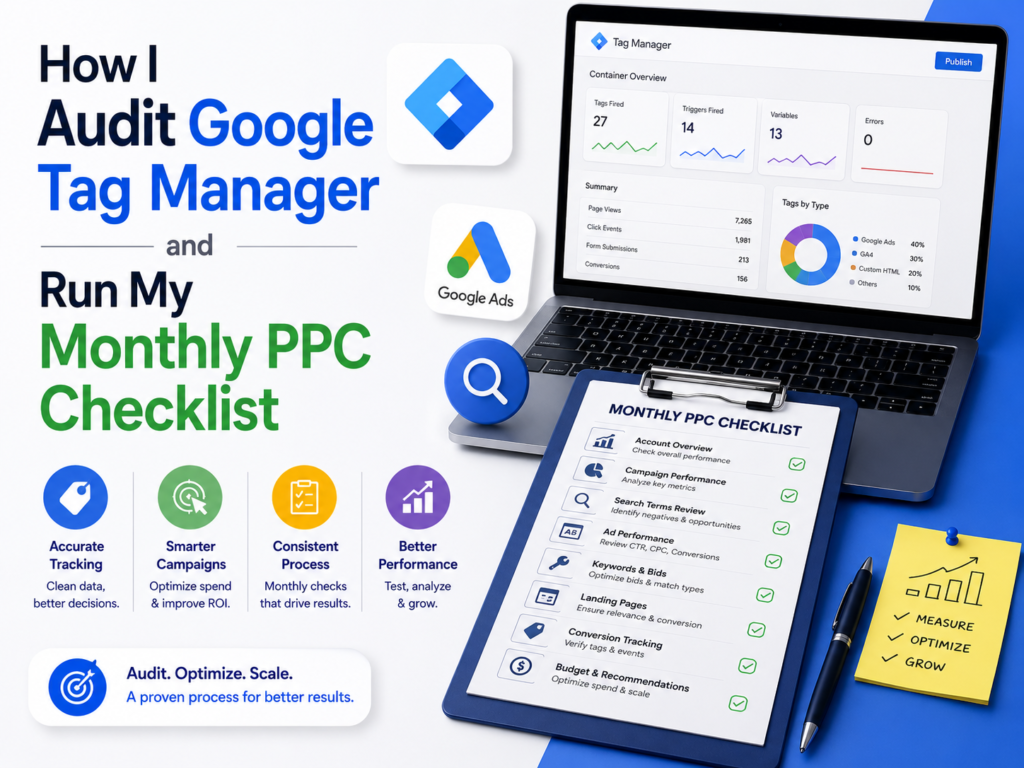
How I Audit Google Tag Manager and Run My Monthly PPC Checklist
-
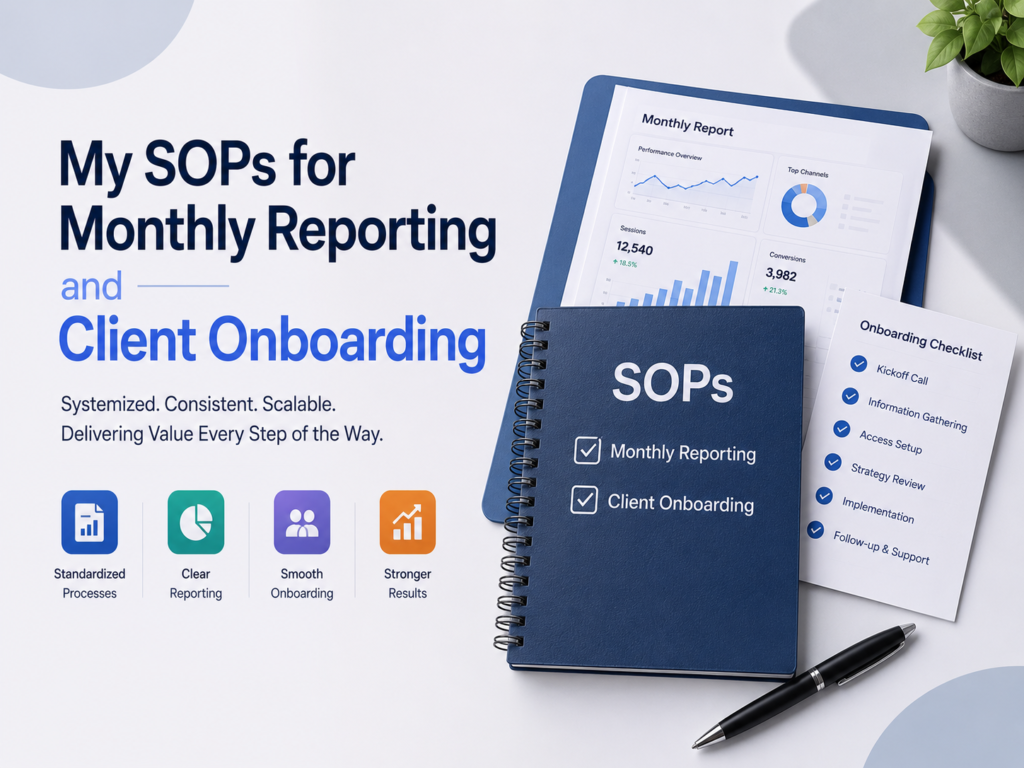
My SOPs for Monthly Reporting and Client Onboarding: Deliver SEO Results
-
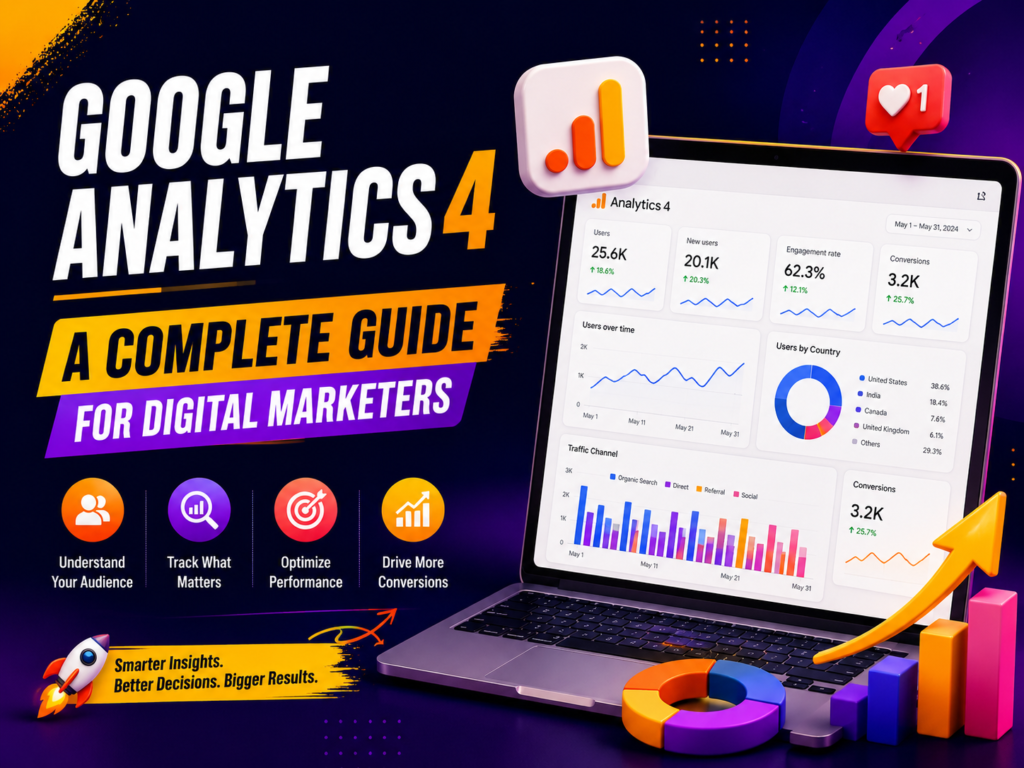
Google Analytics 4: A Complete Guide for Digital Marketers
-
Data-Driven Marketing and Google Search Console
-
From AI SEO Tools to Technical Checklists: How I Build Sites That Rank