Here’s What You’ll Learn in This Article
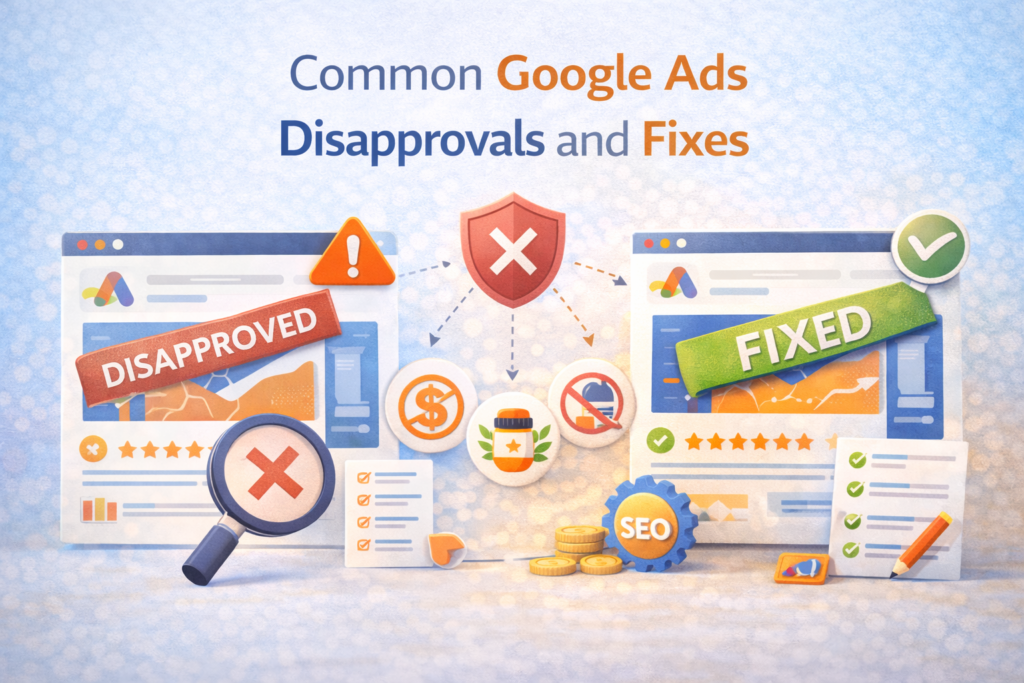
Learn the most common reasons Google Ads get disapproved and how to fix them quickly. This guide explains policy issues, landing page problems, misleading claims, and formatting errors so campaigns stay compliant and run smoothly.
Introduction
Running paid advertising campaigns on Google can be incredibly powerful for generating leads, driving sales, and increasing brand visibility. However, one of the most frustrating situations marketers encounter is ad disapproval. I have worked with many campaigns where ads were rejected unexpectedly, sometimes delaying launches and impacting performance.
Understanding Google Ads Disapprovals and knowing how to fix them quickly is essential for maintaining campaign momentum. In many cases, the issue is not major. It may simply be a policy mismatch, formatting mistake, or a landing page problem.
This guide explains the most common reasons ads get disapproved and how I approach resolving them efficiently so campaigns can return to running smoothly.
1. Why Google Disapproves Ads
Google prioritizes user safety and advertising transparency. Every advertisement must follow specific policies designed to protect users from misleading claims, unsafe products, and poor experiences.
Google processes billions of ads daily through automated and manual policy reviews.
These policies are outlined by Google Ads, and every campaign is automatically checked before it goes live.
When ads violate a policy, they are either:
• Disapproved, meaning they will not run
• Limited, meaning their reach is restricted
• Eligible with warning, meaning they run but need adjustments
Learning how to address Google Ads Disapprovals quickly helps avoid lost traffic and missed opportunities.
2. Destination Mismatch
One of the most common disapproval reasons is destination mismatch. This happens when the landing page content does not match what the advertisement promises.
For example:
• The ad promotes a free guide but the landing page sells a product
• The ad references a discount that does not exist on the page
• The page redirects users somewhere unexpected
Google expects alignment between the ad and the final destination.
How I Fix It
When resolving this issue, I usually:
• Update the landing page to match the ad message
• Adjust ad copy to reflect the real offer
• Ensure redirects are removed or transparent
Tools like Google Search Console can help identify page issues affecting accessibility and indexing.
Once corrected, submitting the ad for review typically resolves the problem quickly.
3. Misleading Claims
Another frequent cause of Google Ads Disapprovals is exaggerated or misleading claims.
Examples include:
• “Guaranteed number one ranking on Google”
• “Lose 10 pounds in one day”
• “100 percent success rate”
Google discourages unrealistic promises that could mislead users.
Ads making unverifiable claims are often flagged during automated review.
How I Fix It
Instead of using absolute language, I rewrite ads to emphasize value without unrealistic guarantees.
For example:
• Replace “Guaranteed Results” with “Proven Strategy”
• Replace “Instant Ranking” with “SEO Growth Strategy”
I also recommend backing claims with credible data when possible.
Referencing insights from platforms like HubSpot or industry statistics strengthens credibility and reduces risk of disapproval.
4. Restricted Content Violations
Certain industries face stricter advertising rules. Some content may be restricted or require certification before ads can run.
Common restricted categories include:
• Financial services
• Healthcare products
• Alcohol related promotions
• Gambling platforms
Each category has specific requirements defined by Google Advertising Policies.
How I Fix It
When dealing with restricted industries, I take the following steps:
• Verify certification requirements
• Review geographic restrictions
• Adjust ad targeting to compliant regions
Sometimes ads must include disclaimers or specific wording before they become eligible.
5. Editorial and Formatting Errors
Simple formatting issues can also trigger Google Ads Disapprovals.
These include:
• Excessive punctuation
• All capital letters
• Unclear grammar
• Repeated symbols
For example, writing something like:
“BEST SEO SERVICES EVER!!!”
may cause a rejection due to excessive punctuation and capitalization.
How I Fix It
I revise the ad copy to follow editorial standards:
• Proper capitalization
• Clear sentence structure
• No exaggerated punctuation
Platforms such as Grammarly help identify grammar and readability issues before submission.
Maintaining professional language ensures ads pass editorial checks smoothly.
6. Trademark Violations
Using a trademarked brand name incorrectly can result in disapproval.
Examples include:
• Mentioning a competitor brand in ad copy
• Using protected product names without permission
• Misleading comparisons involving trademarks
Google carefully enforces trademark rules.
How I Fix It
When trademark issues appear, I usually:
• Remove the trademarked name
• Replace it with generic product descriptions
• Request authorization if brand usage is legitimate
This approach prevents repeated Google Ads Disapprovals and keeps campaigns compliant.
7. Landing Page Experience Problems
Google also evaluates the user experience of the landing page.
Common problems include:
• Slow loading speeds
• Broken links
• Excessive popups
• Lack of clear navigation
Poor user experience can trigger ad rejection or limited ad delivery.
Research from Think with Google shows that 53 percent of users abandon a site if it takes more than three seconds to load.
How I Fix It
Improving page quality often involves:
• Compressing images
• Reducing scripts
• Optimizing mobile responsiveness
Tools such as PageSpeed Insights make it easy to diagnose performance problems.
A better landing page not only prevents disapprovals but also improves conversion rates.
8. Circumventing Systems Policy
One of the most serious violations occurs when advertisers attempt to bypass Google’s review systems.
Examples include:
• Cloaking landing pages
• Redirecting users after approval
• Hiding prohibited content
These violations can result in account suspension.
How I Handle It
If this issue appears, I conduct a full campaign audit to ensure:
• All URLs are transparent
• Content remains consistent
• No redirects manipulate the review process
Transparency is critical for maintaining long term account health.
9. Broken Destination URLs
A surprisingly common issue behind Google Ads Disapprovals is broken URLs.
If the landing page returns errors like:
• 404 page not found
• Server errors
• Redirect loops
Google cannot deliver a working user experience.
How I Fix It
I test every ad destination using browser checks and crawling tools.
Platforms like Screaming Frog help detect technical errors across large websites.
Once the page loads properly, submitting the ad for review usually restores approval quickly.
10. Inconsistent Ad Extensions
Ad extensions add extra information such as callouts, site links, and phone numbers. However, these elements must follow the same policies as the main ad.
Problems occur when extensions include:
• Misleading offers
• Restricted terms
• Broken links
How I Fix It
I review every extension carefully to ensure consistency with the main message.
Using reporting tools like SEMrush also helps analyze competitor ad structures and ensure best practices.
Properly configured extensions improve both approval rates and click through performance.
My Process for Preventing Disapprovals
Over time, I developed a proactive system to reduce Google Ads Disapprovals before campaigns even launch.
My checklist includes:
• Reviewing ad copy against Google policy guidelines
• Testing every landing page link
• Checking grammar and formatting
• Validating offers and claims
• Verifying industry restrictions
Running through this checklist prevents many issues before they occur.
What to Do After an Ad Is Disapproved
If an ad is rejected, the worst thing to do is panic. In most cases the fix is straightforward.
My process usually looks like this:
- Check the disapproval message in Google Ads
- Identify the specific policy violation
- Update ad copy or landing page content
- Resubmit the ad for review
Google typically reviews resubmitted ads within one business day.
Staying calm and methodical ensures campaigns return to active status quickly.
Why Understanding Disapprovals Matters
Many marketers view ad disapprovals as obstacles, but I see them as an opportunity to improve campaign quality.
Policy guidelines often highlight problems that could also impact user trust or conversion performance.
By addressing these issues, advertisers can create:
• clearer messaging
• stronger landing pages
• more trustworthy campaigns
Over time, this improves both advertising performance and brand credibility.
Final Thoughts
Understanding Google Ads Disapprovals is a crucial skill for anyone running paid advertising campaigns. Disapproved ads can interrupt traffic flow and delay marketing initiatives, but most issues can be resolved quickly with the right approach.
The key is understanding why the disapproval happened, fixing the root cause, and implementing preventative checks before launching campaigns.
When marketers combine policy awareness, strong ad copy, and optimized landing pages, disapprovals become far less frequent. The result is smoother campaign management, better ad performance, and more consistent growth from paid advertising.
Frequently Asked Questions
1. Why do Google Ads get disapproved
Ads are usually disapproved due to policy violations, misleading claims, restricted content, editorial issues, or landing page problems.
2. How long does Google take to review ads
Most ads are reviewed within one business day, although some cases may take longer depending on complexity.
3. Can disapproved ads affect account performance
Repeated violations can impact account trust and may eventually lead to account suspension if serious policies are broken.
4. How can I prevent Google Ads disapprovals
Review ad copy carefully, ensure landing pages match ad messaging, follow editorial standards, and comply with Google advertising policies.
5. Should I appeal a Google Ads disapproval
Yes, if you believe the disapproval occurred by mistake. Google allows advertisers to submit appeals directly through the Google Ads dashboard.